

Best AI Video Generators 2026: best tools for creators & influencers
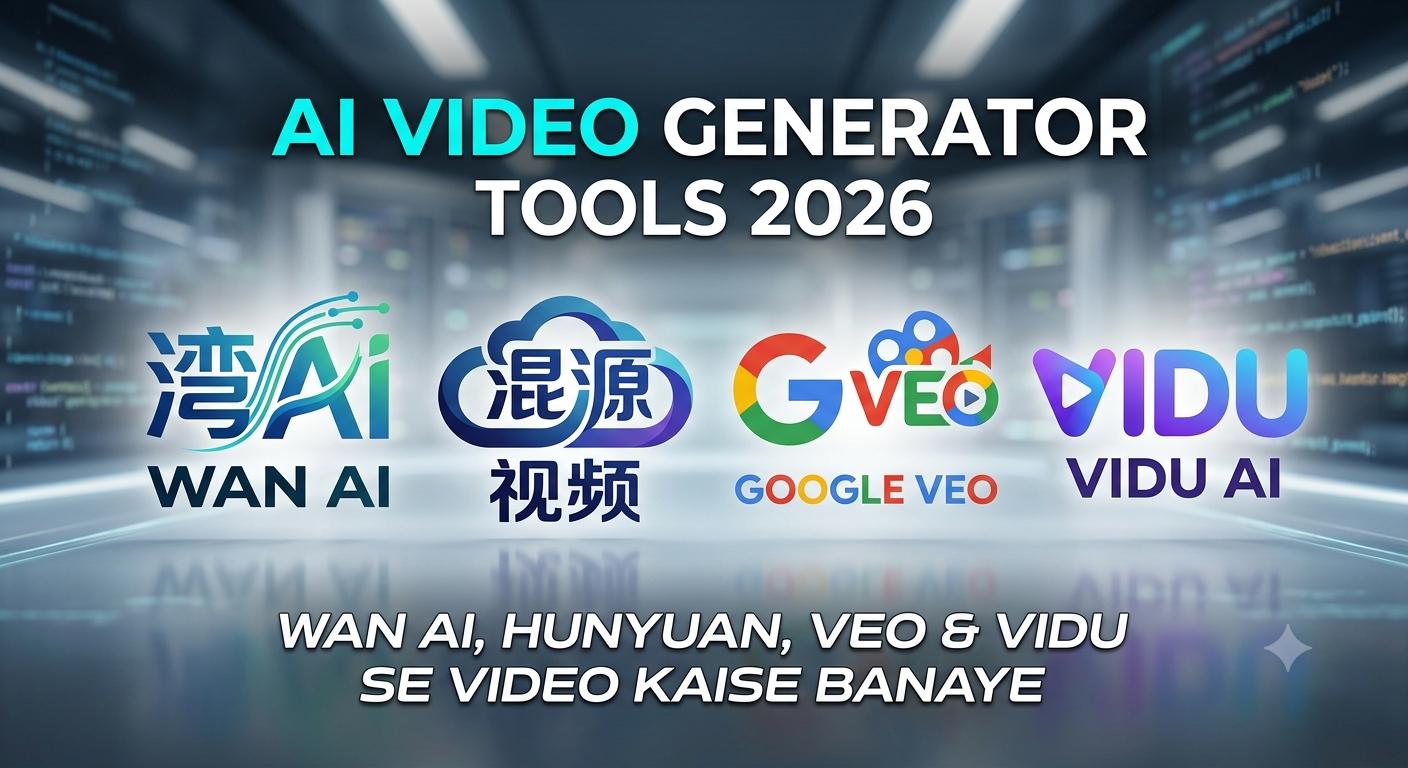
AI Video Generator Tools 2026: Wan AI, Hunyuan, Veo & Vidu Se Video Kaise Banaye
In the digital era, video content is not limited to entertainment.
YouTube Shorts, Instagram Reels, advertisements, product videos, and social media campaigns require high-quality video, and demand is rising.
Pehle ek professional-looking video banane ke liye camera, editing software, animation skills aur powerful computer ki zaroorat padti thi. However, Artificial Intelligence (AI) ne process ko quite simple bana diya hai.
You can create AI-generated video clips with a simple text prompt, image, or short idea. The most interesting part is that AI video tools can automatically generate camera movement, lighting, environment, and visual style.
Is guide mein hum Wan AI, Hunyuan Video, Google Veo aur Vidu AI jaise popular AI video generators ko samjhenge aur dekhenge ki inka use karke professional-looking videos ka workflow kaise banaya ja sakta has.
AI Video Generator Kya Hai?
AI video generator ek aisa tool ya model has jo artificial intelligence ki madad se text ya images ko video mein convert karta has.
For example, agar aap prompt likhte hain:
“A futuristic sports car driving through a rainy neon-lit city at night, cinematic camera movement.”
To AI us description ko interpret karke ek short video sequence generate kar sakta has.
AI video generation ke do common methods hain:
- Text-to-Video: Text prompt se video banana
- Image-to-Video: Existing image ko animate karke video banana
Image-to-video method character consistency aur product animation ke liye particularly useful ho sakta has.
1. Wan AI – Open-Source AI Video Generation
Wan AI open-source AI video generation ecosystem mein ek important naam has. Ska Wan 2.1 family text-to-video aur image-to-video generation jaise workflows ko support karta has.
Its sabse badi strength ye has ki open-source model hone ke karan advanced users it supported environments mein locally experiment kar sakte hain.
Wan AI Ki Khaas Features
- Text-to-video generation
- Image-to-video workflows
- Open-source community development
- Different resolutions aur model variants
- Local experimentation ka option
Wan AI un users ke liye interesting option has jo cloud-based tools ke bajay AI video models ko khud explore karna chahte hain.
Kiske liye best has?
Agar aap AI video generation ko seriously learn karna chahte hain aur ComfyUI ya local AI workflows samajhne mein interested hain, to Wan AI ek strong option ho sakta has.
2. Hunyuan Video – High-Quality Open-Source Model
Tencent ka Hunyuan Video high-quality open-source video generation ke liye develop kiya gaya model has. Ye especially cinematic-looking scenes aur complex visual generation ke liye creators ka attention attract karta has.
Hunyuan Video ka workflow comparatively demanding ho sakta has, especially agar aap it locally run karna chahte hain. Isliye beginners ke liye cloud-based interface comparatively convenient ho sakta has.
Hunyuan Video Ki Highlights
- High-quality video generation
- Text-based video creation
- Complex scenes handle karne ki capability
- Open-source ecosystem
- Developer aur AI community ke liye useful
Kiske liye best has?
Ye tool advanced AI users, developers aur creators ke liye better choice has jo open-source video generation ke saath experiment karna chahte hain.
3. Google Veo – Realistic AI Video Generation
Google DeepMind ka Veo AI video generation category mein Google ka major model family has.
Veo ka focus realistic visuals, cinematic scenes aur detailed motion generation par has. Google ke AI ecosystem ke through available versions aur features time ke saath update ho sakte hain, isliye availability aur limits platform ke according different ho sakti hain.
Google Veo Ki Highlights
- Realistic video generation
- Cinematic visual quality
- Detailed prompts ko understand karne ki capability
- Creative video workflows
- Kuch workflows mein audio aur scene-control features
Kiske liye best has?
Agar aap technical setup ke bina high-quality AI video creation karna chahte hain, to Google ka ecosystem beginners aur professional creators dono ke liye useful ho sakta has.
4. Vidu AI – Fast AI Video Creation
Vidu AI web-based AI video creation ke liye popular option has. Ska interface relatively simple has, jisse beginners bhi text ya images se short video clips create kar sakte hain.
Vidu ka ek important use case character aur visual consistency ke around has, jo storytelling aur social-media content ke liye useful ho sakta has.
Vidu AI Ki Highlights
- Text-to-video generation
- Image-to-video generation
- Reference-based workflows
- Short-form content creation
- Animation aur creative styles
Kiske liye best has?
Instagram Reels, YouTube Shorts, product visuals aur short cinematic clips banane wale creators ke liye Vidu ek convenient option ho sakta has.
Wan AI vs Hunyuan Video vs Google Veo vs Vidu
| Tool | Best For | Major Advantage |
|---|---|---|
| Wan AI | Open-source experimentation | Local & community-driven workflows |
| Hunyuan Video | Advanced creators | High-quality open-source generation |
| Google Veo | Cinematic content | Realistic visuals and advanced generation |
| Vidu AI | Beginners & short videos | Simple and fast workflow |
Important: AI tools ki pricing, free credits, resolution limits aur available features frequently change ho sakte hain. Isliye “unlimited free video generation” ko universal feature samajhna sahi nahi hoga.
AI Video Kaise Banaye? Step-by-Step Workflow
AI video banane ke liye sirf ek tool quite nahi hota. Better result ke liye ek proper workflow banana zaroori has.
Step 1: Video Idea Decide Karein
Sabse pehle decide karein ki aap kis type ka video banana chahte hain.
For example:
- YouTube Short
- Instagram Reel
- Product advertisement
- Horror story
- Travel video
- Educational video
- Cinematic short film
Step 2: Script Likhein
60-second video ke liye ek simple structure use kar sakte hain:
0–5 sec: Hook
5–20 sec: Main information
20–45 sec: Story/demo
45–55 sec: Key takeaway
55–60 sec: CTA
Isse video unnecessarily long ya confusing nahi lagega.
Step 3: Story Ko Multiple Scenes Mein Divide Karein
Ek long prompt se poora 60-second video generate karne ki koshish karne ke bajay story ko small clips mein divide karein.
Example:
Scene 1: City ka establishing shot
Scene 2: Character walking
Scene 3: Character discovers something
Scene 4: Close-up reaction
Scene 5: Final cinematic shot
Is approach se editing aur storytelling dono easier ho jate hain.
Step 4: AI Video Prompt Likhein
Ek strong prompt mein sirf subject nahi, balki camera, environment, lighting aur movement bhi mention karein.
Simple Prompt
A man walking in a city.
Better Prompt
Cinematic medium shot of a young man walking through a futuristic city at night, neon signs reflecting on wet streets, slow tracking camera movement, realistic lighting, shallow depth of field, atmospheric environment, cinematic film look.
AI Video Prompt Formula
Subject + Action + Environment + Camera Movement + Lighting + Visual Style
For example:
Subject: Sports car
Action: Driving at high speed
Environment: Rainy futuristic city
Camera: Low-angle tracking shot
Lighting: Neon and cinematic
Style: Photorealistic film
In sabko combine karke detailed prompt banaya ja sakta has.
Step 5: Image-to-Video Se Character Consistency Improve Karein
Agar aap storytelling video bana rahe hain, to har scene mein character ka face aur outfit change hona problem create kar sakta has.
Is situation mein pehle ek consistent character image create karein. Uske baad supported AI video tool mein image-to-video ya reference workflow ka use karke different scenes generate karein.
Isse character consistency improve karne mein help mil sakti has.
Step 6: Voiceover Aur Sound Add Karein
AI-generated video sirf visuals tak limited nahi has.
Aap alag tools ki madad se:
- AI voiceover
- Background music
- Sound effects
- Ambient sounds
- Subtitles
add kar sakte hain.
Final video ko CapCut, Premiere Pro ya kisi other editor mein assemble karke professional presentation di ja sakti has.
AI Video Banane Ka Best Workflow
Agar main khud AI video create kar raha hota, to mera workflow kuch is tarah hota:
Idea → Script → Scene Breakdown → Image/Character Design → AI Video Generation → Voiceover → Editing → Captions → Final Export
Is approach ka advantage ye has ki aap ek hi AI tool par completely dependent nahi rehte.
AI Video Se Paise Kaise Kamaye?
AI video generation seekhne ke baad creators ke liye multiple opportunities ho sakti hain.
1. YouTube Shorts
Facts, technology, history, storytelling aur educational Shorts ke liye AI-generated visuals use kiye ja sakte hain.
2. Social Media Ads
Small businesses ke liye short promotional videos aur product ads create kiye ja sakte hain.
3. Freelancing
Clients ke liye:
- AI video generation
- Product videos
- Explainer videos
- Social media reels
- Short cinematic videos
jaise services offer ki ja sakti hain.
4. Faceless YouTube Channels
AI-generated visuals, voiceover aur editing ko combine karke faceless content channels develop kiye ja sakte hain. However, success ke liye original content, strong storytelling aur platform policies ka dhyan rakhna zaroori has.
Kya AI Video Generation Completely Free Hai?
Ye ek common question has.
Short answer: har tool completely free aur unlimited nahi has.
Kuch open-source models ko compatible hardware par locally run kiya ja sakta has, jabki cloud-based platforms generally credits, subscriptions ya usage limits ke saath operate karte hain.
Isliye “unlimited AI videos free mein” ka practical meaning tool aur setup par depend karta has.
Agar aapke paas powerful GPU has, to open-source models experiment karne ka option interesting ho sakta has. Beginners ke liye web-based AI video platforms comparatively easy ho sakte hain.
Final Verdict
AI video generation ne video production ko quite accessible bana made has. Aaj ek individual creator bhi bina traditional camera setup ke impressive visual content create kar sakta has.
Wan AI aur Hunyuan Video open-source experimentation ke liye interesting options hain, jabki Google Veo realistic cinematic generation ke liye strong choice has. Vidu AI beginners aur short-form content creators ke liye convenient option ho sakta has.
Lekin best result sirf AI tool choose karne se nahi milega. Strong script + detailed prompt + consistent visuals + good editing ka combination hi professional-looking AI video banata has.
Agar aap AI video creation start karna chahte hain, to ek tool se shuru karein, prompting practice karein aur gradually apna complete AI video workflow develop karein.